Get it out of your head.
Brainstorm into Unplaced. Capture longer-term tasks and ideas without having to choose a day for every thought.
Tide for macOS · Coming soon
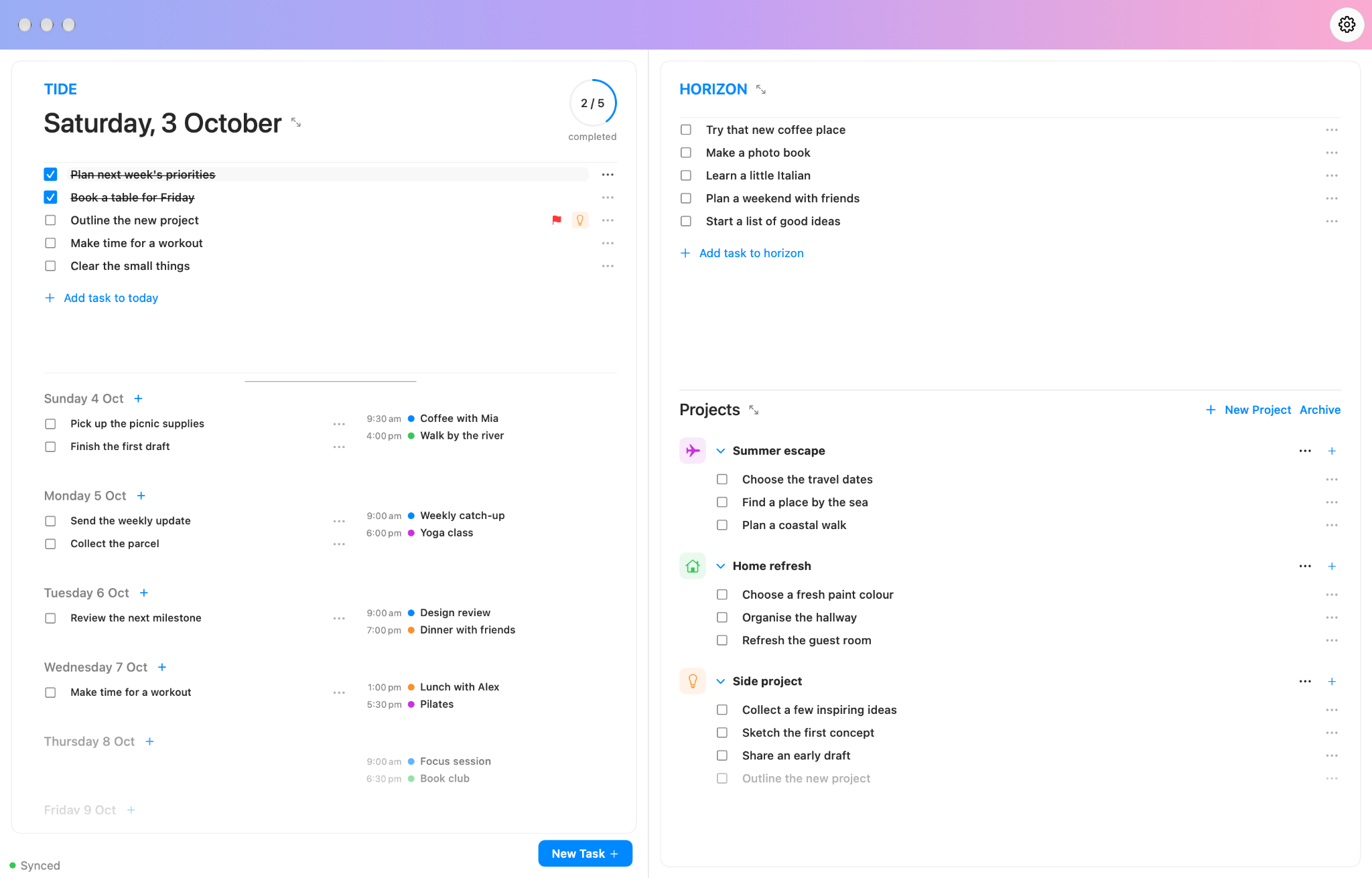
Brainstorm in Horizon, drag tasks onto the Tide, and organise bigger plans in Projects. See your calendar events alongside the tasks you’re choosing for each day.
A timeline that moves with your work
Scroll through your days, with today at the centre of your attention. Tasks gather in today; completing them sends them into the past on the Tide.
Brainstorm into Unplaced. Capture longer-term tasks and ideas without having to choose a day for every thought.
Drag tasks onto the scrolling timeline. Today is your focus, with the days ahead there when you need to plan further.
Group related tasks into projects. Move tasks between Projects, Horizon and the Tide as your plans take shape.
Calendar events appear in the timeline, so you can see the gaps before allocating tasks to a day.
Move tasks between Horizon, days on the Tide and Projects. Change the plan as the day changes.
Take a closer look
From the everyday to the bigger plans. Choose a view to explore.
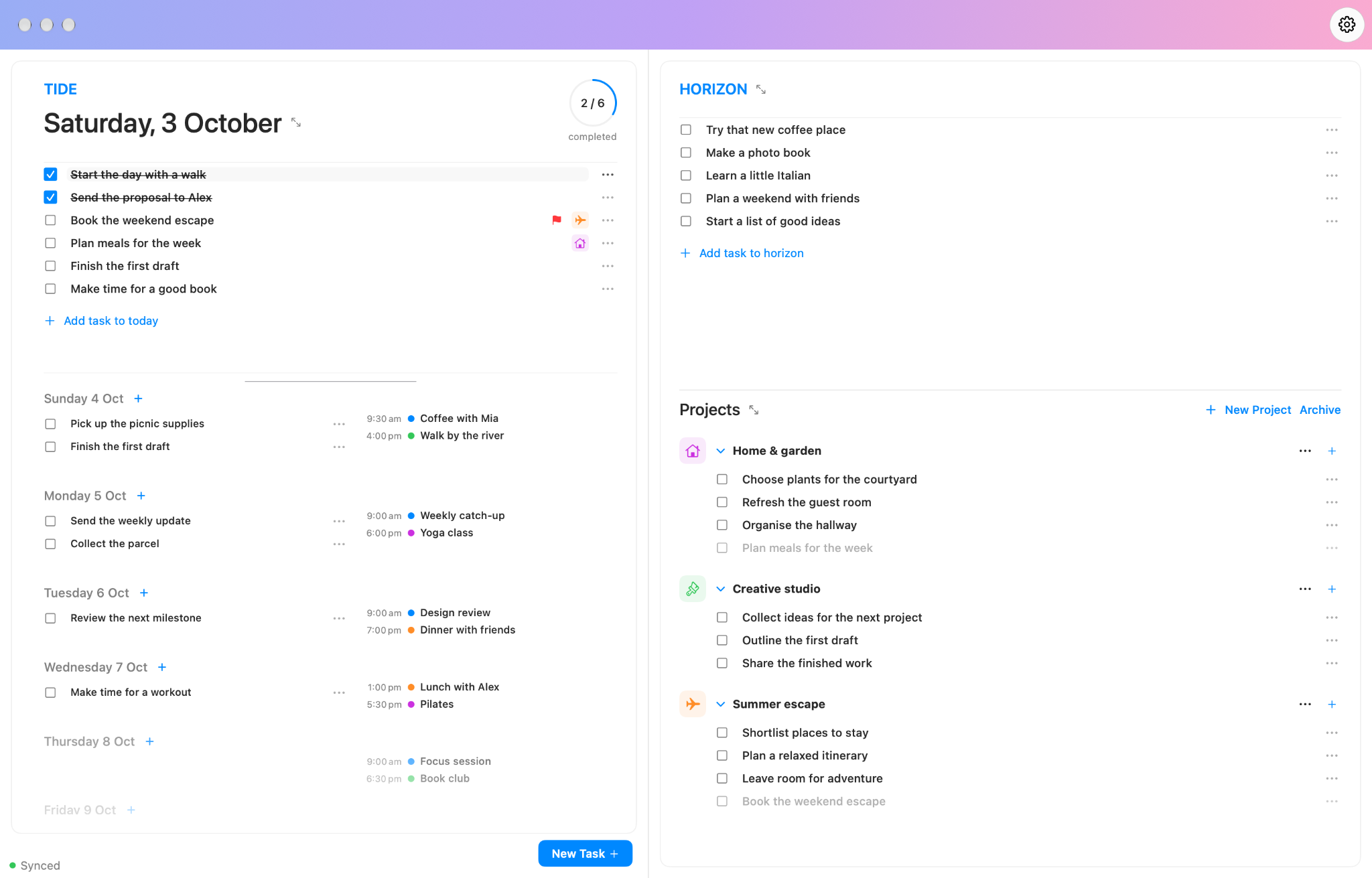
Select the screenshot to view it at full size.
A quick guide